


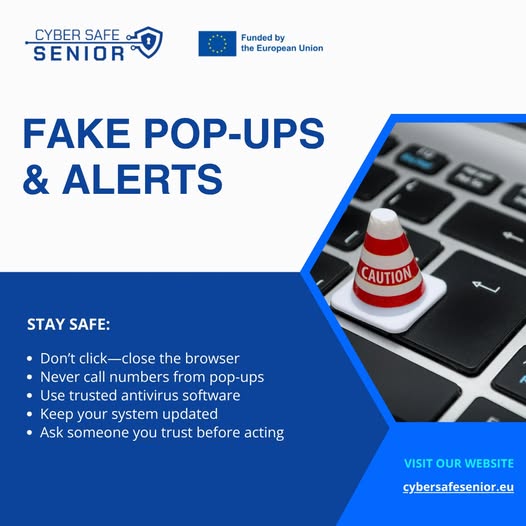
Red Flags in Pop-ups & Alerts

 Beware of Malicious Pop-ups and Fake Alerts!
Have you ever seen a sudden pop-up saying “Your computer is infected” or “Click here to fix it”? Be careful – it might be a scam!
 Red Flags in Pop-ups & Alerts:
 Urgent warnings that your device has viruses
Messages telling you to “click here” to clean your computer
Pop-ups that block your screen and play loud alert sounds
Demands to call a number or install an app
Logos or names that mimic real companies
 How to Protect Yourself:
 Don’t click on suspicious pop-ups – close the browser window instead
Never call a phone number listed in a pop-up warning
Use trusted antivirus software from well-known companies
Keep your system updated to block harmful websites
Ask a family member or trusted friend before taking action
 If You Think You’ve Clicked a Fake Alert:
 Close the browser or restart the device
 Run a scan using your antivirus program
 Contact your bank if you entered any payment details
 Report the incident to a cyber fraud authority or IT support
 Real security warnings never try to scare you into clicking fast. Stay calm, think twice, and protect your digital space!